
Is Accounting AI Safe and Accurate? An Honest Look at the Risks and Safeguards
Short answer: accounting AI is safe and accurate when it works as an assistant inside strong security controls with a human reviewing its output — and risky when it is trusted to close the books on its own. This guide walks through what actually keeps your financial data protected, where AI in accounting still makes mistakes, and the safeguards that separate responsible use from reckless use. The short version echoes what accounting-industry guidance keeps repeating: treat AI accounting software as a fast assistant, not an autonomous decision-maker.
This article is educational only and is not tax, accounting, legal, or financial advice. AI tools — including any AI accounting assistant — do not replace a licensed CPA, enrolled agent, or professional accountant. Always have qualified professionals review financial decisions before you act.
Is AI accounting safe? What «safe» really means
Safety is not a single yes-or-no property of a piece of software. It is a combination of three layers working together: how the data is protected, how accurate the output is, and who stays accountable for the final number. A tool can score well on one layer and fail badly on another, so it helps to judge AI accounting software against all three at once rather than trusting a vendor’s one-line safety claim.

AI in accounting is only as safe as the guardrails wrapped around it — access controls, encryption, audit logs, and a human who reviews what the model produces. The consensus across accounting-industry writing is that AI should live inside the same security and governance model that already protects a firm’s client data, not in a separate, unguarded workspace bolted on the side. A model that is technically capable can still be unsafe in practice if it sits outside normal access controls or if nobody is checking its output before it reaches a client or a filing.
Four risks come up again and again in discussions of AI accounting tools, and each has a concrete, practical safeguard covered in the sections below:
- Sensitive financial data exposure — bank details, payroll, and client records leaving a controlled environment.
- Confidently wrong output (hallucination) — a polished answer that is factually incorrect.
- Over-reliance — letting errors slip through because nobody double-checks the AI’s work.
- Bias in models — skewed outputs in judgment calls like credit decisions or anomaly flags.
How your financial data is protected (SOC 2, GDPR, encryption)
Financial records are among the most sensitive data a business holds — bank balances, payroll, client tax details. Handing that data to any software, AI-powered or not, means asking hard questions about where it goes, who can see it, and whether it ever leaves a controlled environment.
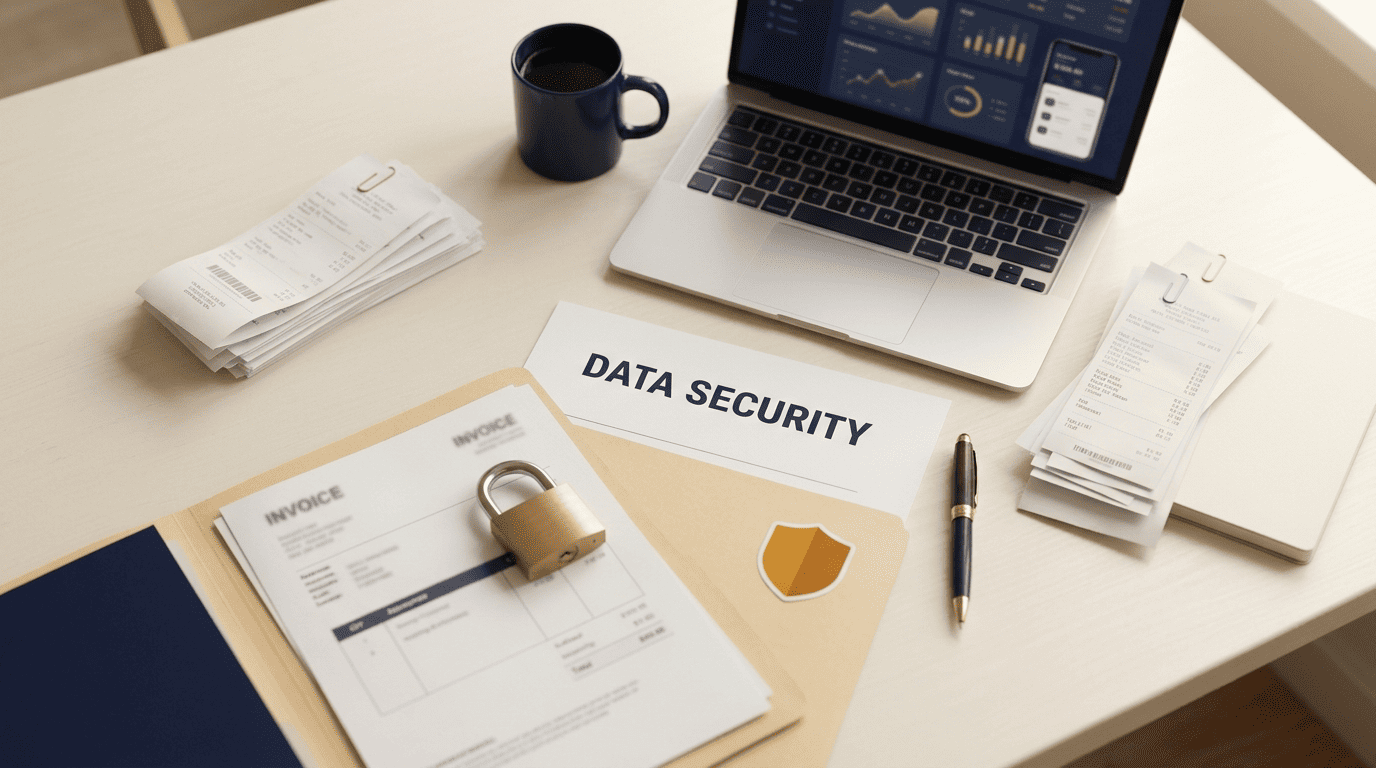
Sensitive financial data should never leave a secure, access-controlled environment. The Federal Trade Commission’s Safeguards Rule sets the baseline expectation for how businesses handling consumer financial information must protect it, and it is a useful yardstick even for firms that fall outside the rule’s direct scope, since it describes what «reasonable» data security looks like in practice. At minimum, a security posture worth trusting should include:
- SOC 2 Type II attestation.
- GDPR/CCPA compliance for any customer or client data covered by those regimes.
- Encryption in transit and at rest.
- Role-based access controls.
- A clear data-retention and training-data policy that states plainly whether your inputs are used to train the underlying model.
| Security control | What it verifies | Why it matters for accounting data |
|---|---|---|
| SOC 2 Type II attestation | Independent audit of security, availability, and confidentiality controls over time | Confirms the vendor’s claims are checked by a third party, not self-reported |
| Encryption in transit and at rest | Data is unreadable if intercepted or if storage is breached | Protects bank balances, SSNs, and client records from exposure |
| Role-based access control | Limits who inside the vendor and the firm can see specific data | Reduces the number of people who can view sensitive records |
| Data-retention / training-data policy | States how long data is kept and whether it trains the model | Prevents your clients’ financial data from leaking into someone else’s AI output |
Questions to ask any AI accounting vendor
Before connecting a bank feed or uploading client files, a short checklist separates a serious vendor from a risky one:
- Where is the data stored, and in which jurisdiction?
- Is it encrypted both in transit and at rest?
- Is it ever used to train the underlying model?
- Who, specifically, can access it internally?
- Is there an audit log of every access event?
- Has the vendor completed a SOC 2 or comparable independent attestation?
A vendor that answers all six clearly is behaving like a company that expects to be audited; one that deflects is a red flag regardless of how polished its product demo looks.
How accurate is AI accounting — and where it fails
Accuracy in accounting AI is not uniform across tasks. The same model that flawlessly categorizes ten thousand transactions can still misstate a tax rule it was never trained to apply correctly, which is why accuracy has to be evaluated task by task rather than as a single overall score.
| Task type | Typical AI reliability | Human review needed |
|---|---|---|
| Transaction categorization | High — repetitive pattern matching | Spot-check outliers |
| Invoice/receipt matching | High — structured document comparison | Check flagged mismatches |
| Bank reconciliation drafts | Medium-high — good first pass | Review before sign-off |
| Anomaly/fraud flagging | Medium — good at surfacing candidates | Investigate every flag |
| Tax rule interpretation | Low — prone to hallucination | Full review by a licensed professional |
| Final filings and statements | Not appropriate for AI alone | Mandatory professional sign-off |
What AI does accurately today
Categorizing transactions at scale. Pattern-matching thousands of line items against a chart of accounts is exactly the kind of repetitive, structured task where AI reliably outperforms manual entry on speed without sacrificing much precision.
Matching invoices and receipts. Reconciling a receipt against an invoice and a bank line is a three-way pattern match, and AI tools handle the matching quickly while flagging the exceptions that need a human look.
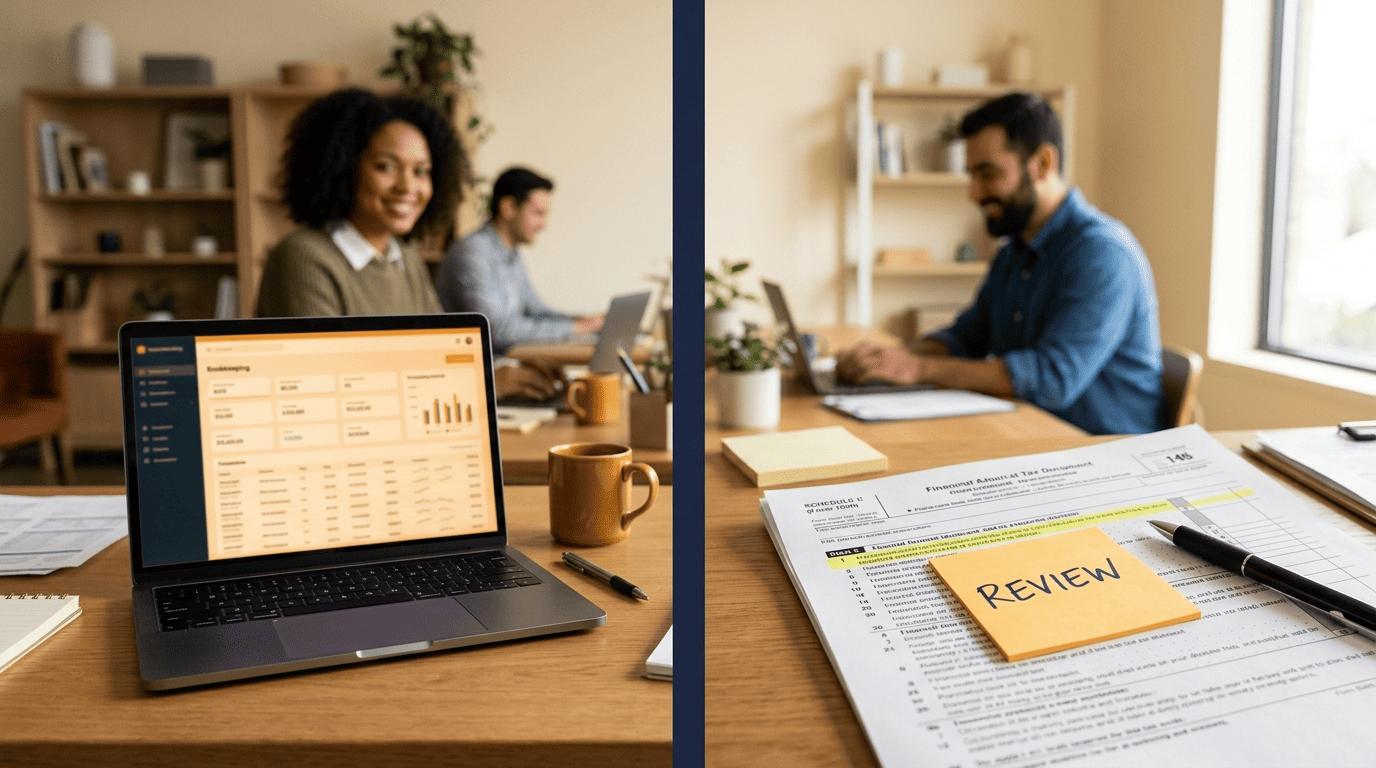
Drafting bank reconciliations. AI can produce a first-pass reconciliation that a bookkeeper then checks and adjusts, cutting the manual grind without removing the review step.
Flagging anomalies. Unusual transactions, duplicate payments, or outlier amounts are pattern-detection problems AI is well suited for — it surfaces candidates for a human to investigate, rather than making the final call itself.
These are pattern tasks where AI reliably speeds up work. The value is in drafting and organizing, not in final judgment — a distinction worth keeping in mind before letting any tool run unsupervised.
Where accuracy breaks down: hallucination
AI hallucination in accounting means output that looks polished and authoritative but is factually wrong: a fabricated figure, a misapplied tax rule, or a citation to a regulation that does not actually say what the model claims. It reads exactly like correct output, which is what makes it dangerous — a hallucinated number carries the same confident tone as a correct one.

Purpose-built («vertical») accounting AI tends to be more reliable on structured financial tasks than a general-purpose chatbot, because it is trained and constrained around accounting logic rather than open-ended conversation. Even so, no model is error-free. The National Institute of Standards and Technology’s AI Risk Management Framework lists validity, reliability, and explainability among the characteristics of trustworthy AI — a useful lens for judging any accounting AI tool, since a system that cannot explain how it reached a number is harder to verify before it gets used. NIST defines the technology at the center of that framework plainly:
An engineered or machine-based system that can, for a given set of objectives, generate outputs such as predictions, recommendations, or decisions influencing real or virtual environments.
NIST AI Risk Management Framework, definition of an AI system
That plain definition is a reminder that an accounting AI tool is still a system generating predictions and recommendations, not a decision-maker — which is exactly why professional skepticism does not disappear once AI enters the workflow. It becomes more important, since the output looks finished even when it is not.
Why human oversight is non-negotiable
Every credible source on AI accounting software converges on the same recommendation: keep a human in the loop and let a qualified professional give final approval. AI is a support layer, not a decision-maker, and that distinction is the difference between a tool that saves time and one that quietly creates liability.
AI assists, the accountant decides
The universal recommendation across accounting-industry guidance is to keep a human in the loop and give final approval to a qualified professional. AI is a support layer, not a decision-maker. Over-reliance breeds complacency, and complacency is where unchecked errors turn into filed returns and misstated books — the mistake is rarely the AI’s first draft; it is the missing review step afterward.
In practice, that means a firm decides in advance which tasks AI is allowed to touch and which stay fully manual, rather than letting the boundary drift as a tool proves convenient. A reconciliation draft or a categorized transaction list is a reasonable starting point for AI; a signed opinion or a filed return is not, no matter how confident the AI’s output looks.

The accountability gap
AI cannot be held professionally responsible for a mistake; a CPA or enrolled agent can. For anything that gets filed or signed — tax returns, financial statements, audit opinions — a licensed professional carries the liability and must review the work before it goes out the door. By law, the IRS requires a paid preparer to sign the return and include their Preparer Tax Identification Number, formally attaching professional accountability to the document regardless of what software helped produce it. The American Institute of Certified Public Accountants likewise holds members to professional standards of due care and competence that apply no matter which tools sit in the workflow — the standard follows the professional, not the software.

That accountability structure is exactly why AI output should pass through a defined review process before anything reaches a client or a filing. A simple, repeatable workflow closes most of the gap between a fast AI draft and a defensible final number:
- Have the AI produce a first draft — categorization, reconciliation, or a document summary.
- Compare the AI’s output against source documents (bank statements, receipts, prior filings).
- Flag anything that looks unusual, inconsistent, or unexplained by the AI.
- Verify every number that will appear in a filed or client-facing document.
- Route anomalies and judgment calls to a licensed accountant, not back to the AI.
- Log what the AI produced and what the human changed, for an audit trail.
- Get sign-off from the qualified professional before anything is filed or sent.
Best practices: using AI accounting responsibly
Putting the safety and accuracy pieces together into daily habits is what actually protects a firm — knowing the risks in theory does not help if the checklist never gets applied.
- Choose SOC 2-attested tools and confirm the attestation is current, not years out of date.
- Never paste sensitive data into consumer chatbots that were not built for financial data handling.
- Keep AI out of systems of record unless the tool was specifically built and secured for that role.
- Use AI for drafting and organizing, and verify every number before it reaches a client or a filing.
- Log and review AI outputs so there is a record of what the model produced versus what a human changed.
- Always defer to a licensed accountant on judgment calls, filings, and anything that carries legal or financial consequences.
This is the list worth keeping open on a second monitor — the point where AI accounting stops being a risk and starts being a genuine time-saver is exactly where every item on it becomes routine.