
Accounting AI for Expense Tracking: How It Works and Where It Helps Small Businesses
For small businesses and freelancers, accounting AI means software that reads your receipts, sorts each transaction into the right category, and hands your bookkeeper a near-clean ledger — instead of a shoebox of paper. It doesn’t replace judgment, but it removes most of the manual entry between a purchase and a closed set of books.

That’s the practical answer to what these tools do: OCR reads a receipt, machine learning suggests a category and general ledger code, and a person confirms the result before it’s final. AI expense tracking speeds up the workflow; it doesn’t take over the decisions that carry legal or tax weight.
This article is educational and general in nature and is not professional accounting, tax, or legal advice. Verify the treatment of any specific expense with a qualified accountant or directly with the IRS.
What «accounting AI for expense tracking» actually means
Under the hood, two separate technologies do the work. Optical character recognition — OCR — turns a photo, forwarded email, or PDF into structured data: amount, date, vendor, tax line. Machine learning then takes that structured data and decides where it belongs in your books. The combination is what lets AI expense management tools go from «a picture of a receipt» to «a coded line item» without someone retyping it.

Manual expense reporting is the baseline this is measured against. Vendors in the space commonly cite manual reports taking around 20 minutes and costing roughly $58 each to process, with somewhere near 19-20% of reports containing errors that require rework. Those figures come from industry benchmarking rather than independent audits, so treat them as directional — a reason automated expense categorization exists, not a guarantee of your own savings.
From paper receipts to structured data
OCR/receipt scanning extracts the amount, date, merchant name, and tax detail from a photo, a forwarded email, or an uploaded PDF. According to some vendors in the category, AI-assisted extraction outperforms plain OCR on messy or handwritten receipts — Jenova AI, for example, reports figures in the 95-99% accuracy range for AI-driven extraction versus 70-85% for OCR alone. Those numbers are vendor-reported claims, not independently verified benchmarks, so they’re worth reading as «what vendors report,» not settled fact.
Where the «AI» part comes in
Once the raw data exists, machine learning expense categorization takes over: it matches a transaction description or merchant to a spending category and a GL code, learning from how similar transactions were coded in the past. Some vendors describe categorization accuracy near 95% once a system has enough historical data to train on. As with extraction accuracy, that figure should be attributed to the vendor claiming it rather than treated as a universal outcome — accuracy depends heavily on how varied and clean your historical coding was to begin with.
What AI does across the expense workflow
Expense automation touches more than just categorization — it runs through capture, matching, and syncing to your accounting system, with policy rules and corporate card data layered on top. The table below breaks down where AI typically adds value versus where it stays limited.
| Workflow step | What AI typically does | What still needs a human |
|---|---|---|
| Capture | Reads receipts from camera, email, or card feed | Verifying edge-case documents (foreign language, damaged) |
| Categorization / GL coding | Suggests category and account code | Approving or overriding the suggestion |
| Matching / reconciliation | Matches receipts to card transactions | Resolving unmatched or disputed items |
| Fraud / duplicate detection | Flags suspicious or repeated entries | Investigating and deciding on action |
| Tax treatment | Stores digital records | Determining deductibility |
Capture and categorization
Most accounting integration platforms accept receipts through several channels at once, and the AI layer applies the same categorization and GL coding logic no matter which one is used:
- A phone camera photo taken at the point of purchase
- An image pulled from a gallery or downloaded PDF
- A forwarded email receipt
- An imported bank or credit card statement
- A live transaction feed from a linked corporate card
Whichever channel the data comes in through, the bookkeeping team sees a consistent format regardless of how the receipt arrived.

Matching and reconciliation
Once a receipt is captured, the system tries to match it against the corresponding card or bank transaction and sync the confirmed entry into the accounting platform. That matching step is where AI-powered reconciliation earns its keep during month-end close: Ramp has reported that some finance teams recovered one to two days per month previously spent manually matching receipts to transactions, and closed their books earlier on average. Results like these are self-reported by the vendor and vary widely by transaction volume and how clean the starting data is.
Time saved — with a caveat
Industry materials commonly cite time savings in the range of 15 to 30 hours per month for teams that move from manual entry to AI-assisted expense management, alongside claims of a 70-90% reduction in manual processing time. Those figures come from vendor case studies and marketing materials, not controlled studies, so read them as a plausible range tied to transaction volume rather than a promise about what any specific business will see.
Good records will help you monitor the progress of your business, prepare your financial statements, identify sources of income, keep track of deductible expenses.
IRS, Recordkeeping
Small teams considering the switch often find it easiest to start with one workflow — receipts or a single corporate card — before expanding to full automation. Here’s a simple way to evaluate readiness:
- Pull last month’s expense reports and count how many had coding errors or needed rework.
- Check whether your accounting software (QuickBooks, Xero, NetSuite) has a native or supported AI integration.
- Pick one input channel — camera receipts or card feed — to automate first.
- Set an approval threshold: transactions under a set amount auto-post, larger ones route to a human.
- Run the AI-assisted and manual processes in parallel for one billing cycle.
- Compare error rates and time spent between the two.
- Expand to additional channels only after the first one is stable.
Accuracy, limits, and why a human stays in the loop
AI expense tools are built to suggest, not to finalize. That distinction matters most in a YMYL context: the software can speed up categorization, but it doesn’t carry legal responsibility for how an expense is ultimately treated for tax or accounting purposes.
AI suggests, people approve
When machine learning categorization proposes a code for a transaction, responsibility for confirming that code — and for the resulting tax treatment — stays with the business owner or their accountant. The accounting system, whether that’s QuickBooks, Xero, or NetSuite, remains the system of record; AI tools prepare and organize data for it, they don’t replace it. This is also why most platforms keep a review step before entries post permanently to the ledger.

Edge cases AI gets wrong
Mixed personal and business spending is one of the most common failure points — a single card swipe covering both a client dinner and a personal purchase confuses automated categorization, which typically sees only the total charge, not the split. Unusual or one-off vendors without transaction history also trip up categorization models that lean on past patterns. Split receipts, where one purchase needs to be divided across multiple expense categories, and multi-currency transactions, where exchange-rate timing affects the recorded amount, are two more situations where manual review is still the safer default.
Fraud, duplicates, and control
Expense fraud and simple duplicate submissions are a recurring cost of manual processes, and it’s one of the areas where automated anomaly detection has a clear, measurable job to do.
Flagging duplicate receipts before they’re paid twice. AI-driven fraud and duplicate detection compares new submissions against recent history and flags matches on amount, date, and vendor — catching accidental double-submissions as well as deliberate ones.
Catching amounts that don’t fit a pattern. Predictive analytics and anomaly detection models learn a business’s typical spending range per category and raise a flag when a transaction falls well outside it, prompting a closer look rather than automatic rejection.
Enforcing policy limits at the point of spend. Policy enforcement rules — a per-category cap, a required receipt above a threshold — can be applied automatically as transactions come in, rather than discovered during a manual audit weeks later.
Brex has reported that a large share of CFOs it surveyed, around 73%, described their expense processes as too manual, and roughly 75% said manual expense management increases fraud risk at their organization. These are self-reported survey figures from a vendor with a product to sell in this category, so they should be read as an industry data point rather than an independent finding — the direction (manual processes correlate with more risk) is a reasonable takeaway even if the exact percentages shouldn’t be treated as universal.
Catching duplicates and anomalies
None of this amounts to a guarantee against fraud. Flagging is a detection mechanism, not a control that eliminates risk — a flagged transaction still needs a human to investigate it and decide what happens next. Businesses that rely on AI flagging alone, without a review step, lose the main benefit of the system.
Recordkeeping and staying compliant
Good expense automation should make it easier to meet recordkeeping obligations, not harder — but it doesn’t change what those obligations are.
Digital records the IRS expects
AI expense platforms typically store digital copies of receipts along with a log of who approved what and when, which can substitute for a physical paper trail. As a general rule, supporting documentation is expected for business expenses; some tools reference a $75 threshold below which certain receipts may not be strictly required, a figure drawn from vendor guidance rather than a single blanket IRS rule. Even where that threshold applies, lodging always requires a receipt, and the date, amount, and business purpose of an expense should be documented regardless of the dollar figure. Because recordkeeping thresholds and exceptions vary by expense type, the reliable path is to check the source directly: see the IRS’s recordkeeping guidance for small businesses and Publication 463 on travel, gift, and car expenses rather than relying on a vendor’s summary.
Deductibility is a human/accountant call
Categorizing an expense is not the same as making it deductible. The IRS has historically applied an «ordinary and necessary» standard to business expense deductions — a threshold covered under the IRS’s business expense resources, referencing Publication 535 — and applying that standard to a specific transaction is a judgment call — one that belongs to a qualified accountant or the taxpayer, not to categorization software. AI expense tools can organize the paperwork; they can’t make the tax determination for you.
Security and your financial data
Connecting an AI expense tool to your bank feeds, corporate cards, and accounting software means handing it access to sensitive financial data, which makes security due diligence part of the decision, not an afterthought.
What to check before connecting your books
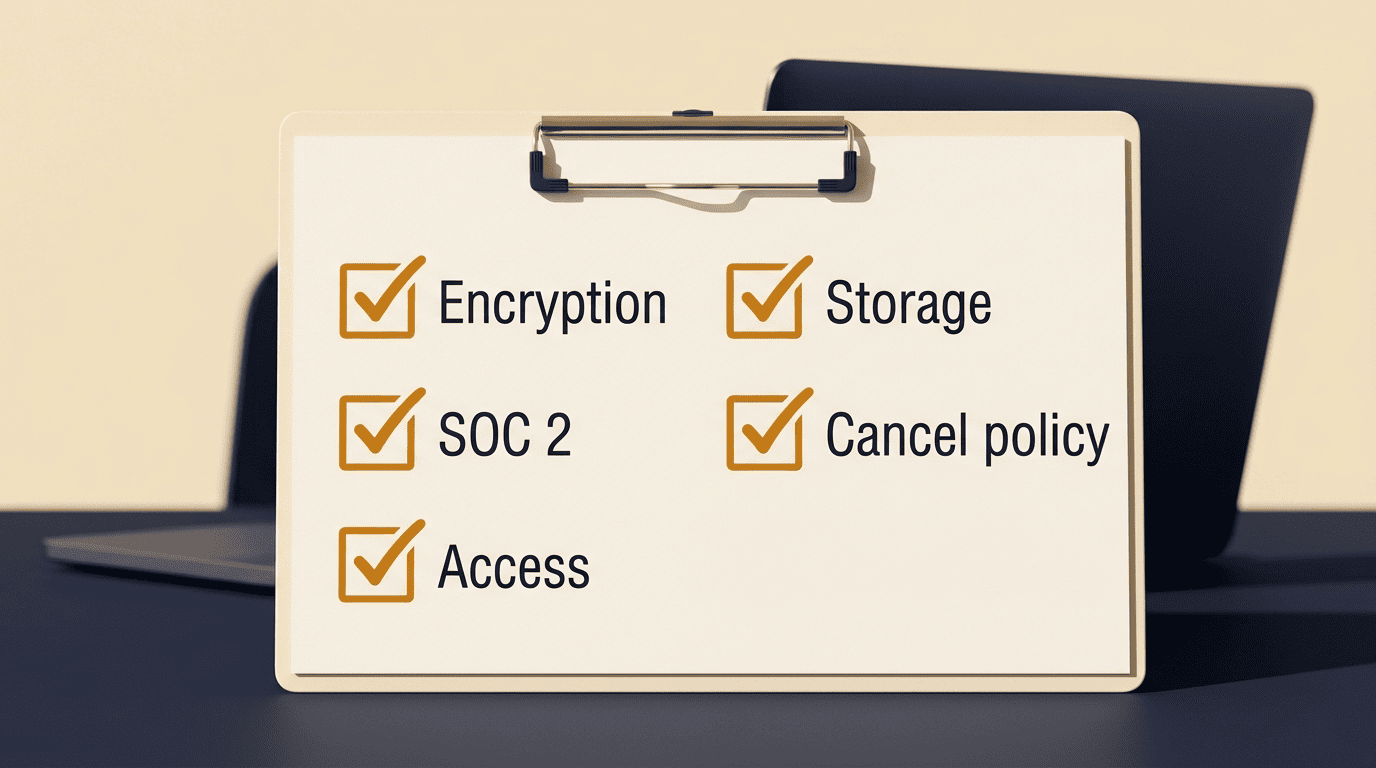
Before linking accounts, it’s worth confirming a few basics:
- Whether data is encrypted in transit and at rest
- Whether the vendor holds a SOC 2 report or equivalent independent audit
- Who inside the vendor’s organization can access your records
- Where the data is physically stored and processed
- What happens to your data if you cancel the subscription
Small businesses that don’t have an in-house security team can use the Federal Trade Commission’s data security guidance for businesses as a neutral checklist for what reasonable data protection looks like, independent of any vendor’s own marketing claims.
How a small business can start
Adopting AI expense tools works best as a gradual rollout rather than a full switch on day one.
Match the tool to your bookkeeping
Start by confirming the tool actually integrates with the accounting integration you already use — QuickBooks, Xero, and NetSuite are the most commonly supported, but coverage and depth of integration vary by vendor.
| Starting point | Good fit when | Watch out for |
|---|---|---|
| Receipt capture only | Small team, mostly card spend, simple categories | Still need manual matching to bank feed |
| Corporate card feed | Multiple employees, spend controls needed | Card provider lock-in |
| Full sync (capture + card + accounting) | Growing team, monthly close is slow | Bigger setup and review workload upfront |
From there, pick a single workflow to automate first rather than trying to automate every expense channel simultaneously. Whatever you automate, keep a human approval step on categorized entries until you’ve verified accuracy over a full billing cycle — that’s the same principle that runs through every section above: AI handles the repetitive work, a person still signs off. The U.S. Small Business Administration’s guidance on managing your business finances is a useful, vendor-neutral starting point for thinking through bookkeeping basics before adding automation on top.